API Keys Settings
Overview
This page explains how to create and manage these API Keys.
Prerequisites
Setup Code Review
Setup Code Review by following the Getting Started guide.
API Keys
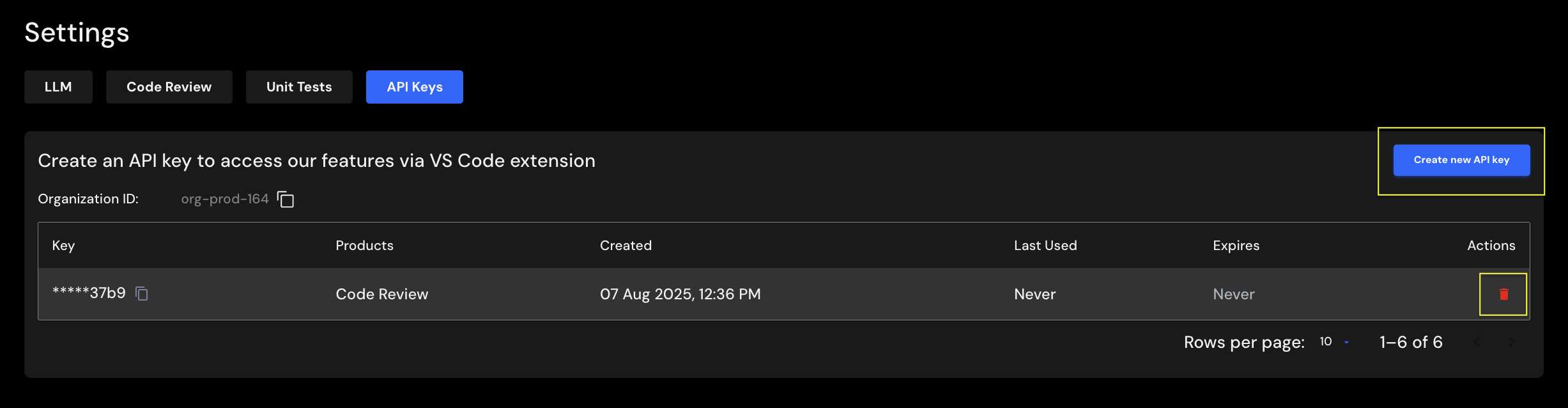
Create API Keys
-
Click
Create new API key. A dialog box will appear.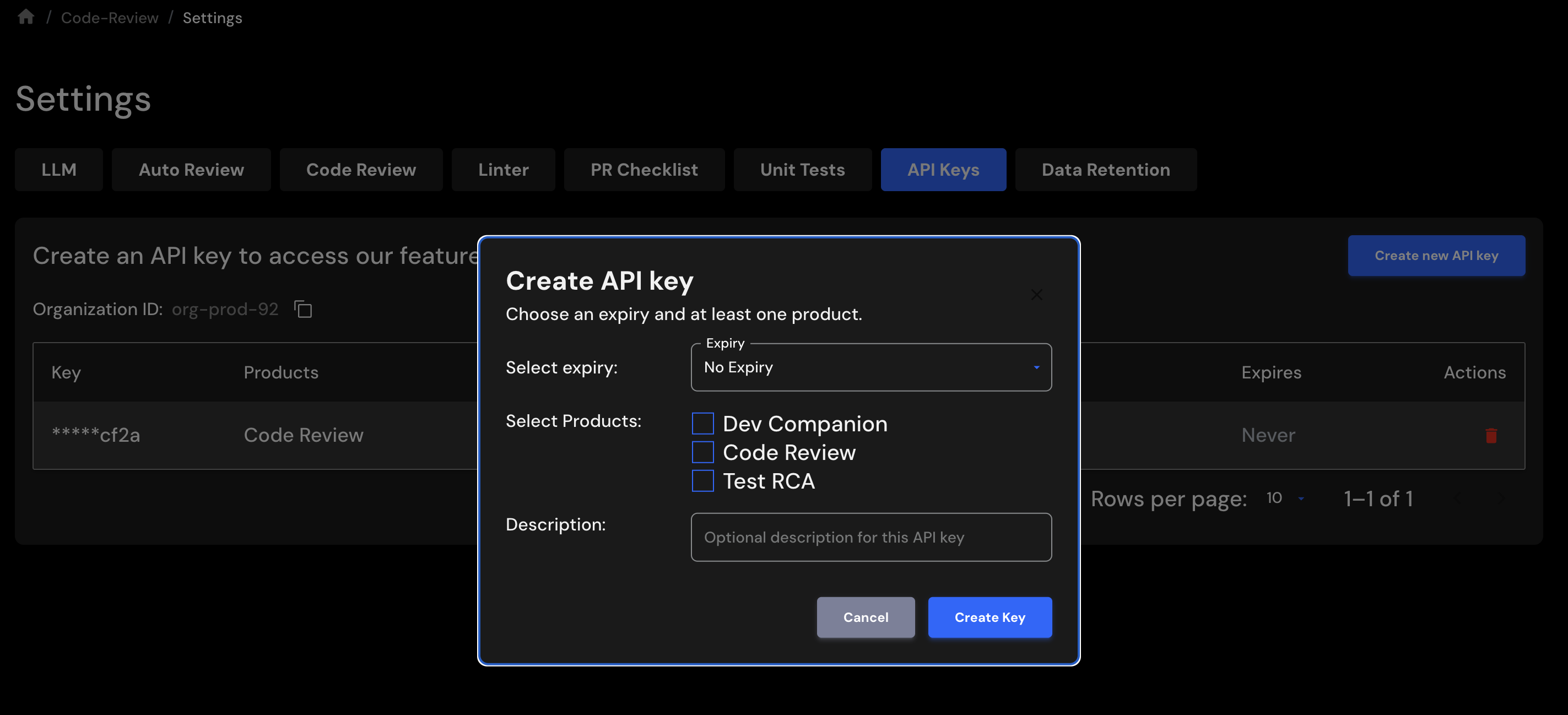
-
Select the Code Review checkbox to enable the API key for code review operations.
- Optionally, enter a brief note in the Description field to help identify the API key.
- Click
Create Keyto generate the API key. - A new dialog box will display the generated API key.
- Copy the API key and use it on the client side as needed.
Important: Copy and securely store the API key. Treat it as a secret and avoid exposing it in client-side code that is accessible to end users.
Delete API Keys
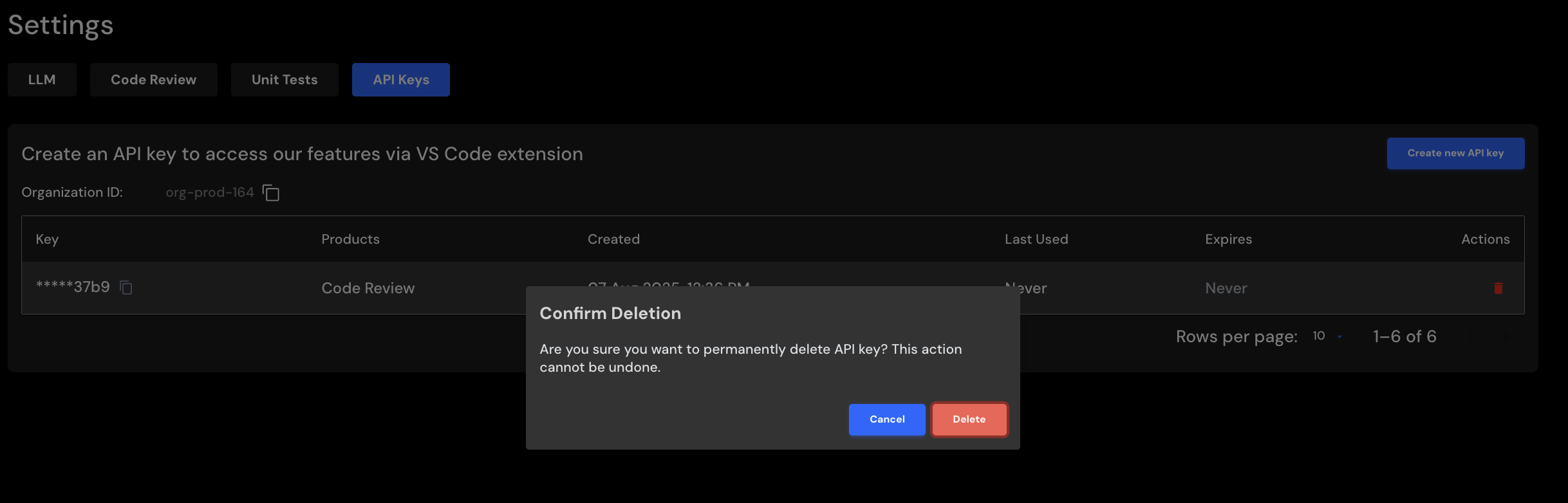
To delete an API Key, click on the trash icon. You will see a confirmation screen. Click Delete to confirm.