Code Review - Q&A
This guide explains how to get detailed insights about code changes in GitHub using the CloudAEye bot.
Overview
CloudAEye generates a detailed answer to your question about code changes in a PR when you comment @cloudaeye /ask <your question> in the PR timeline.
Prerequisites
Step 1: Register
Sign up with CloudAEye SaaS.
Step 2: Setup Code Review
Setup Code Review by following the Getting Started guide.
Ask Question
To get answers to your PR code change for your connected repository, comment @cloudaeye /ask <your question>.
Q&A
CloudAEye provides detailed answers to your questions. For example, you may ask to rewrite a class that resolves all the reported issues. Simply post your question in the PR timeline, and CloudAEye will respond with the relevant details.
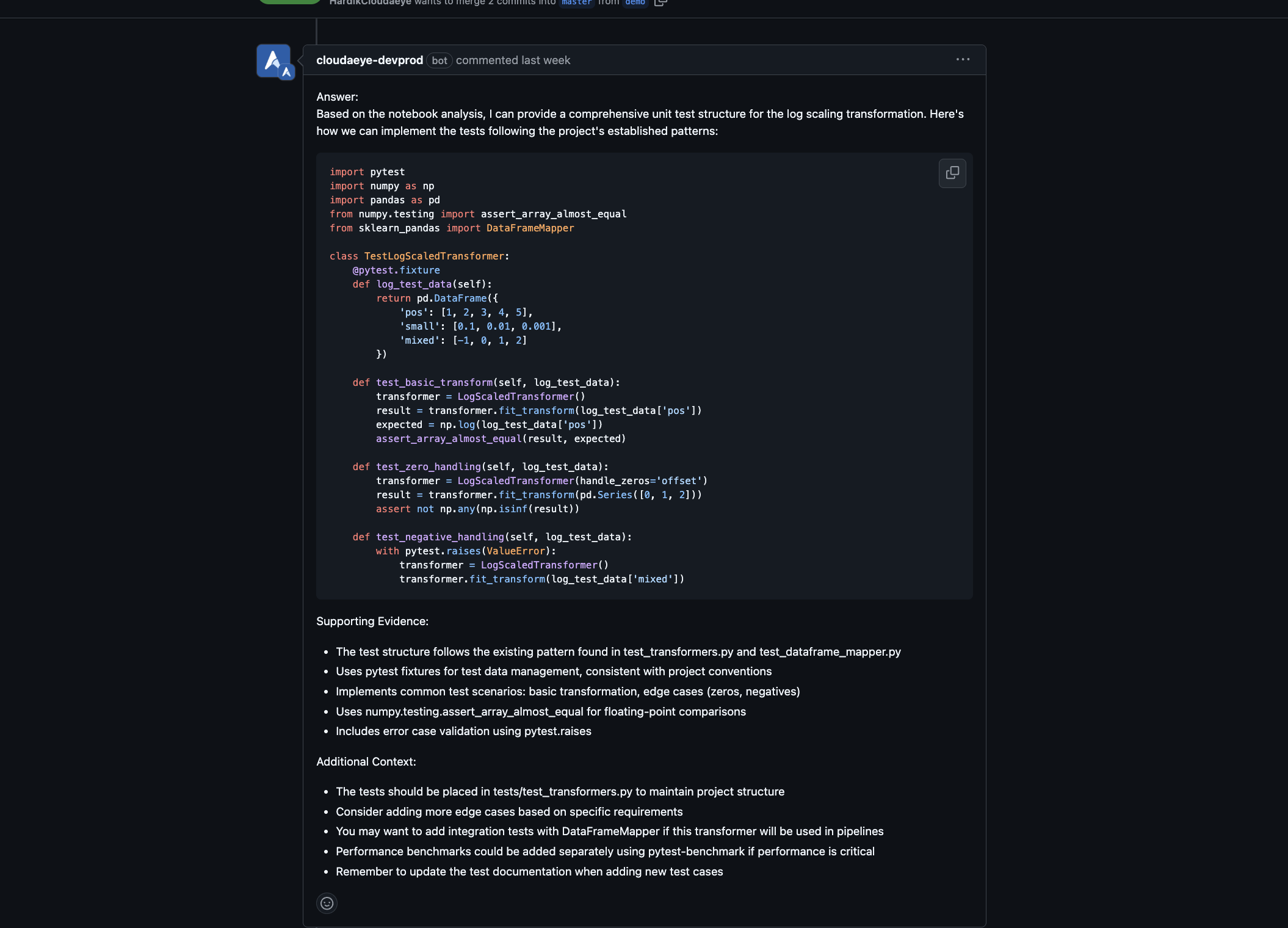
Here is an example from GitLab environment.
