Code Review - Add Commit Message
This guide explains how CloudAEye describes the commits in a PR.
Overview
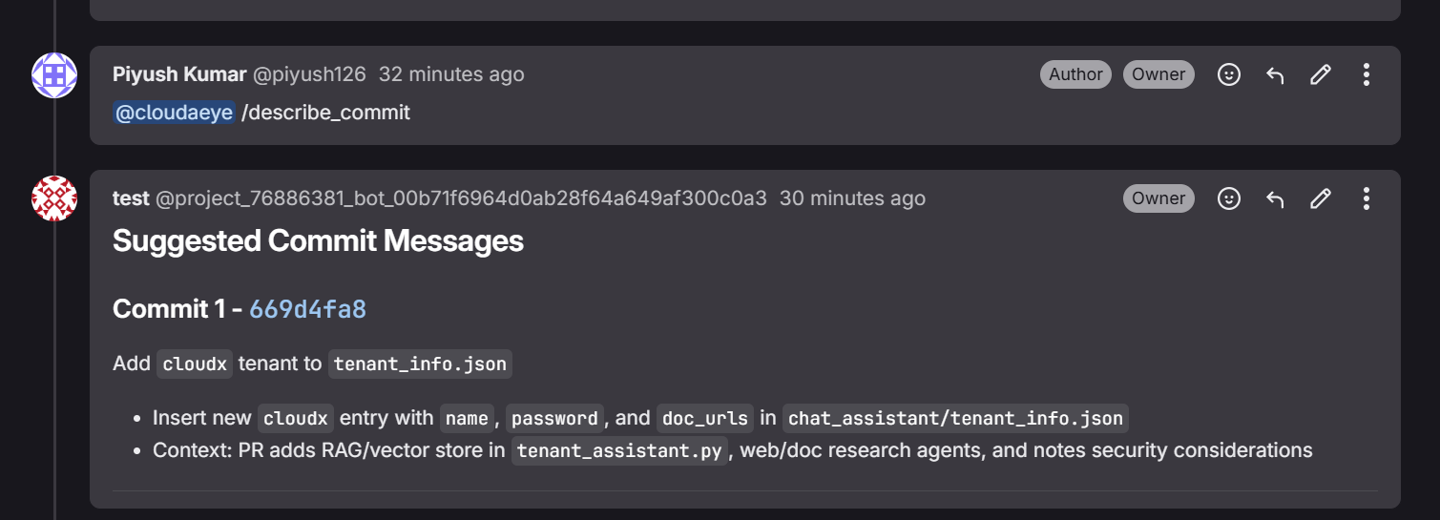
CloudAEye generates a detailed commit message for code changes when you comment @cloudaeye /describe_commit in the PR timeline.
Prerequisites
Step 1: Register
Sign up with CloudAEye SaaS.
Step 2: Setup Code Review
Setup Code Review by following the Getting Started guide.
Generate Commit Message
To generate a commit message for code change for your connected repository, comment @cloudaeye /describe_commit.
Commit Message
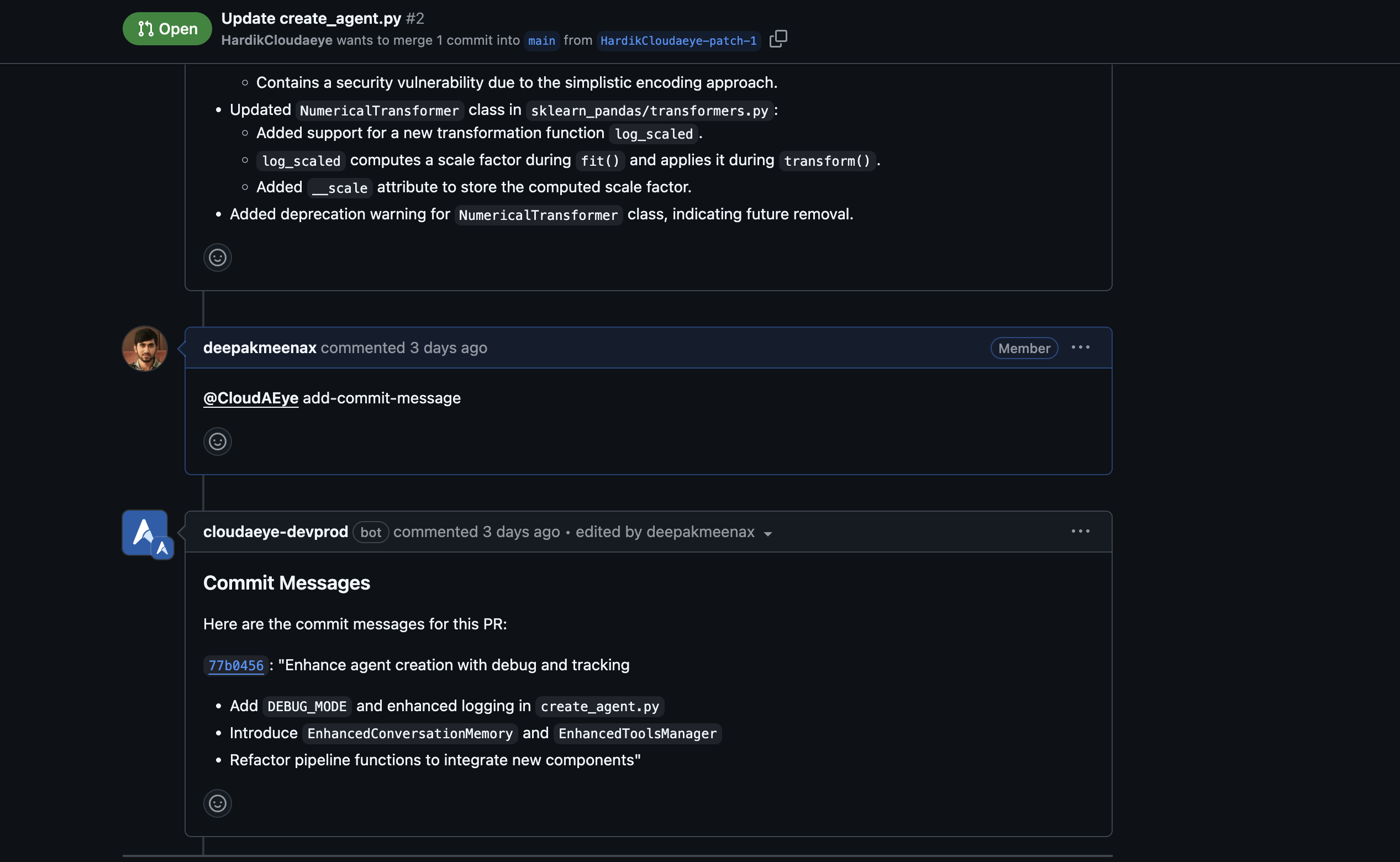
In the commit message, CloudAEye provides a concise title, a detailed description of the code change, and a summary of the changes made in each file.
Example from GitLab environment.