Pylint
This guide explains how to run Pylint with CloudAEye.
Overview
Pylint is a powerful, widely-used static code analysis tool for Python. It enforces coding standards, detects potential errors, and helps improve code quality by checking for a wide variety of issues such as undefined variables, unused imports, code complexity, and convention violations.
Designed to be highly configurable, Pylint lets developers tailor its checks to match their team’s preferred style. It supports setup via .pylintrc or pyproject.toml and allows you to enable or disable specific rules, customize thresholds, and configure message severity.
Prerequisites
Step 1: Register
Sign up with CloudAEye SaaS.
Step 2: Setup Code Review
Setup Code Review by following the Getting Started guide.
Step 3: Configure the Linter
Configure the desired linter.
Configuration
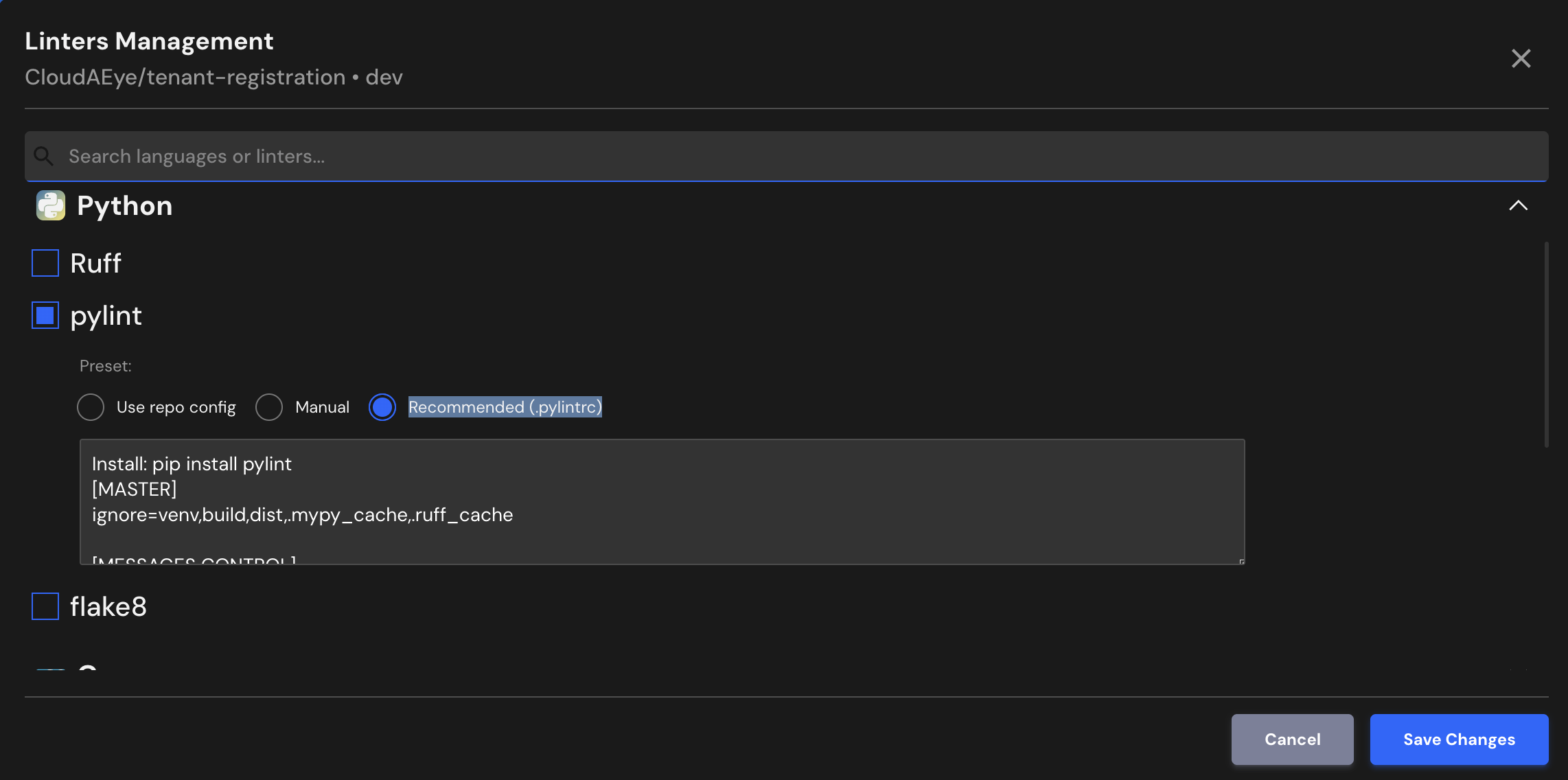
CloudAEye supports Pylint’s recommended configuration. If your repository already has Pylint configured, CloudAEye will automatically use that setup.
Use repo config
CloudAEye automatically reads your repository’s existing Pylint configuration and uses it as is. No additional setup is needed.
Common Pylint Configuration File Locations & Formats
Pylint looks for configuration in this order:
** 1. pyproject.toml (recommended for modern Python projects) **
[tool.pylint]
max-line-length = 100
disable = ["C0114", "C0115"]
** 2. pylintrc **
A standalone configuration file commonly used in many Python repositories.
** 3. setup.cfg **
[pylint]
max-line-length = 100
** 4. tox.ini **
[pylint]
disable = C0114, C0115
Pylint will automatically detect the first applicable file when it runs.
Manual
You may enter the Pylint configuration you would like to use.
Recommended (.pylintrc)
Install: pip install pylint
[MASTER]
ignore=venv,build,dist,.mypy_cache,.ruff_cache

[MESSAGES CONTROL]
disable=C0114,C0115,C0116  # module/class/function docstrings

[FORMAT]
max-line-length=100

[BASIC]
good-names=i,j,k,_,id,db
File Extensions
Pylint will run on files that use any of the following extensions:
.py
References
- Pylint project
- Pylint documentation