Code Review - Implement
This guide explains how CloudAEye provides implementation suggestions for an issue identified by Code Review.
Overview
CloudAEye automatically performs a code review when you comment @cloudaeye /review in the PR timeline. For any identified issues, you can request a suggested fix by replying with @cloudaeye /implement.
Prerequisites
Step 1: Register
Sign up with CloudAEye SaaS.
Step 2: Setup Code Review
Setup Code Review by following the Getting Started guide.
Getting Proposed Implementation for an Issue
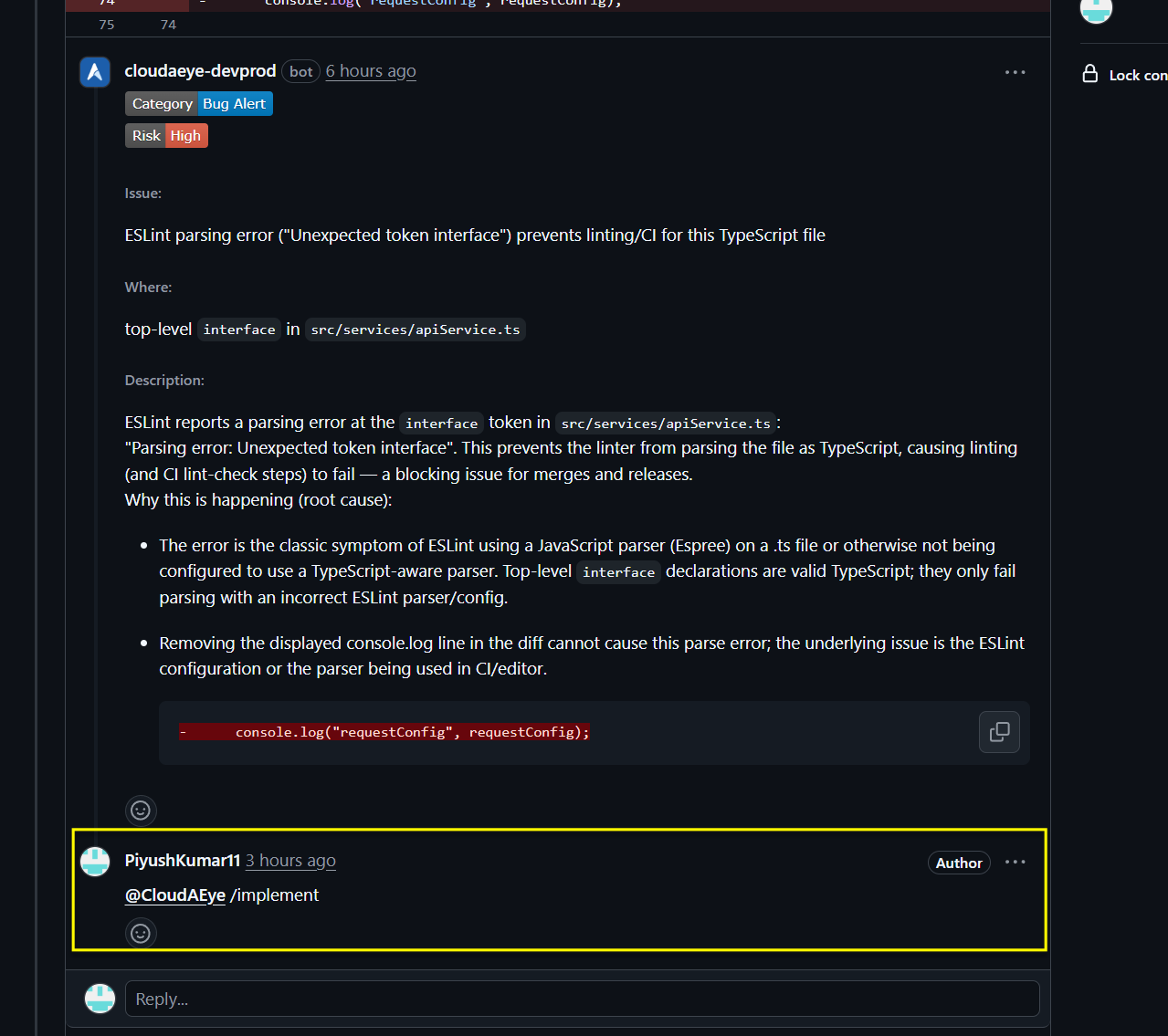
To receive a proposed implementation to address an issue identified by Code Review, you may reply to the issue with @cloudaeye /implement.
To use /implement, please reply directly to the specific review comment rather than invoking it in the PR timeline. The command expects context from an individual review thread in order to generate the correct implementation suggestion.
Additionally, we’ve introduced support for @cloudaeye /implement <comment-number>, where <comment-number> corresponds to the review comment number. All review comments are now numbered to make this workflow more precise and easier to use.
You may try using either:
- Replying directly to the review comment with
@cloudaeye /implement, OR - Comment
@cloudaeye /implement <comment-number>on the PR timeline
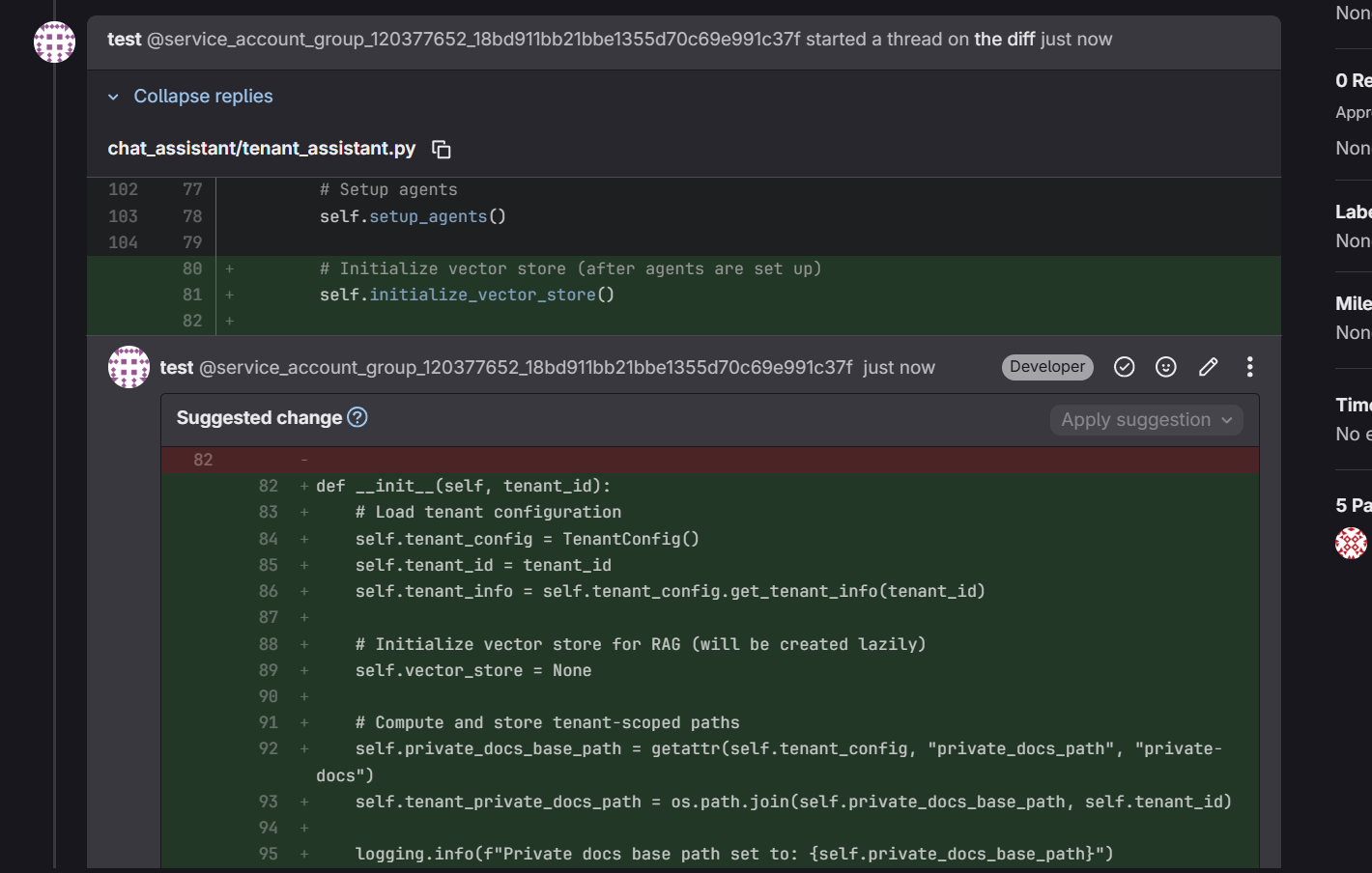
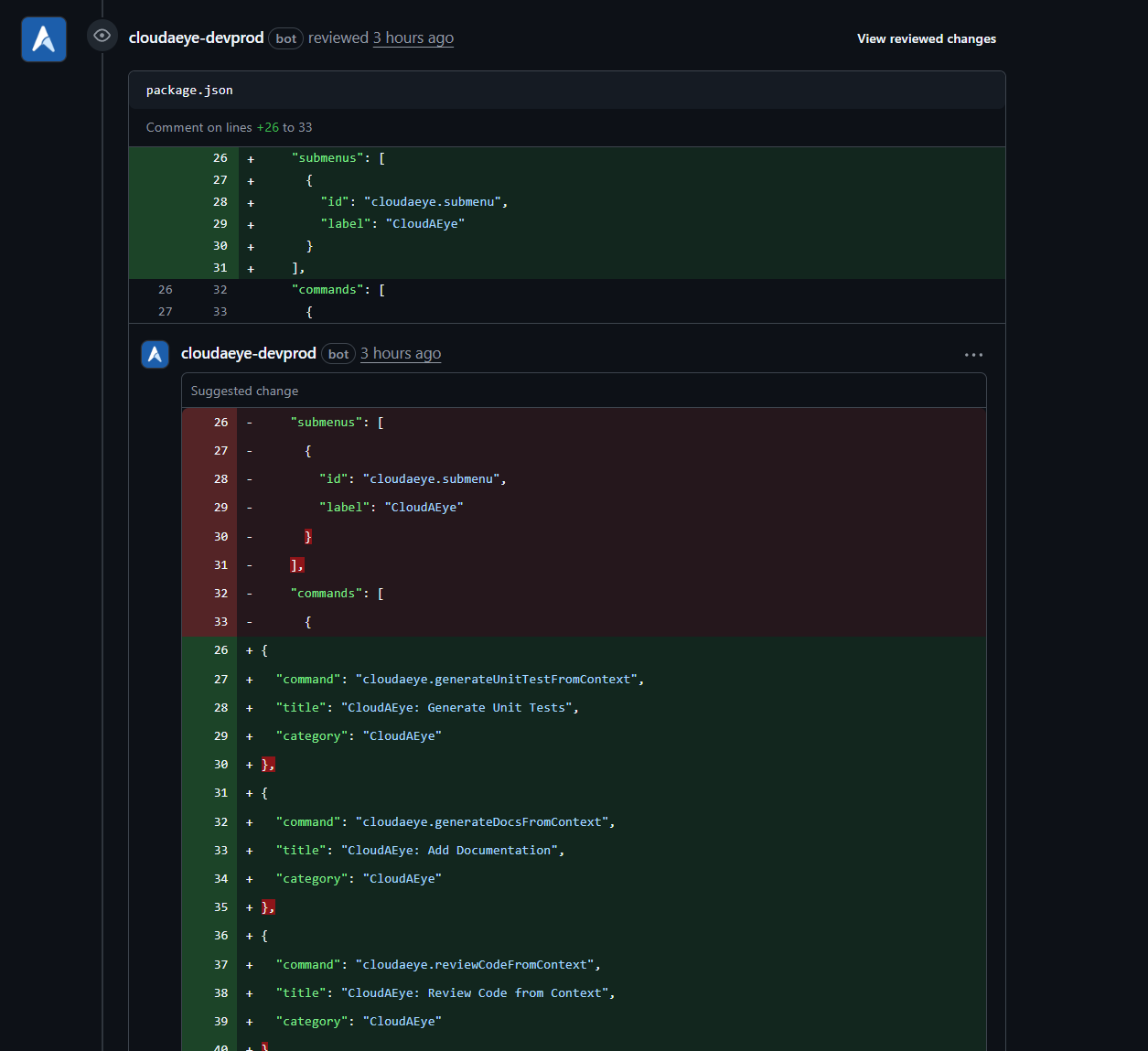
The proposed fix will appear as a Commit suggestion. Here is an example.
Here is another example from a GitLab environment.