Explain
This guide explains how to get clear, detailed guidance for resolving any ticket.
Overview
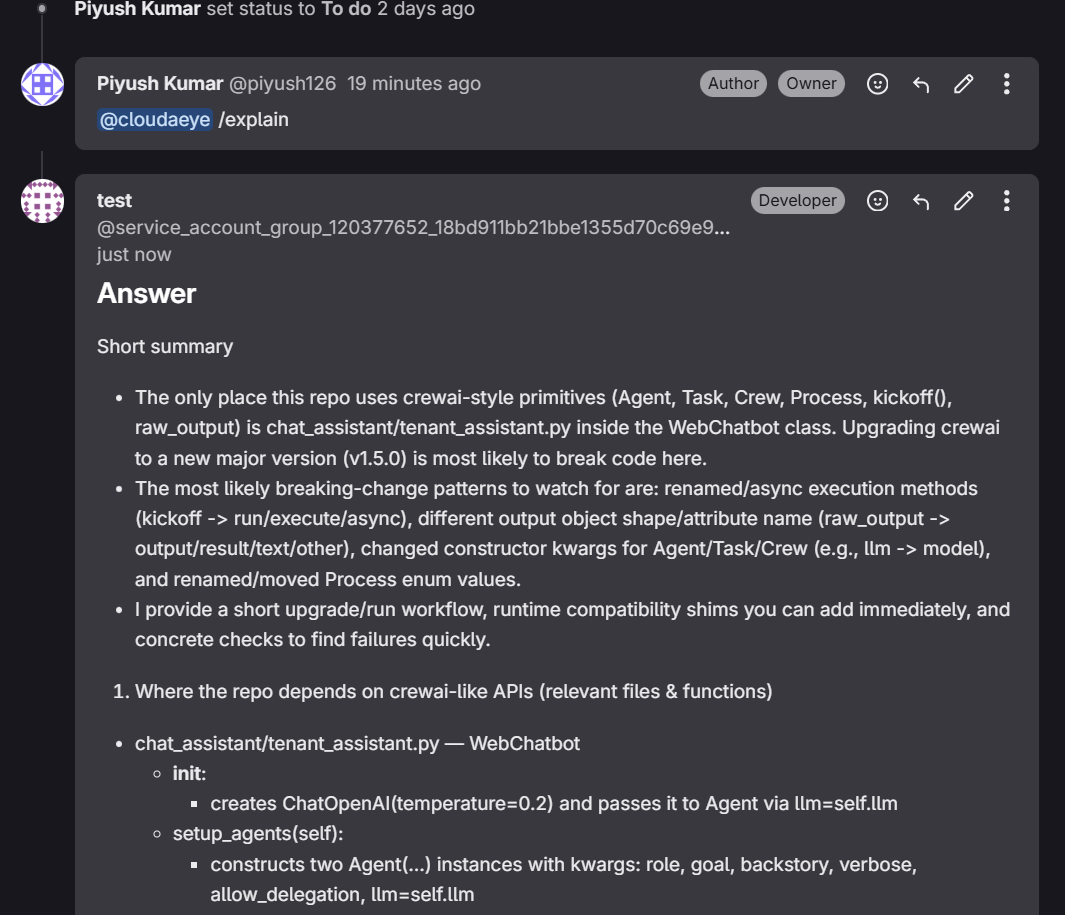
CloudAEye provides step-by-step implementation instructions when you add the comment @cloudaeye /explain to a ticket.
This feature is currently available for both Jira and GitHub Issues.
Prerequisites
Step 1: Register
Sign up with CloudAEye SaaS.
Step 2: Setup Code Review
Setup Code Review by following the Getting Started guide.
Get Instructions for a Ticket
Get step-by-step, context-aware guidance for resolving tickets.
- Open the issue you want to work on.
- Add the comment:
@cloudaeye /explain.
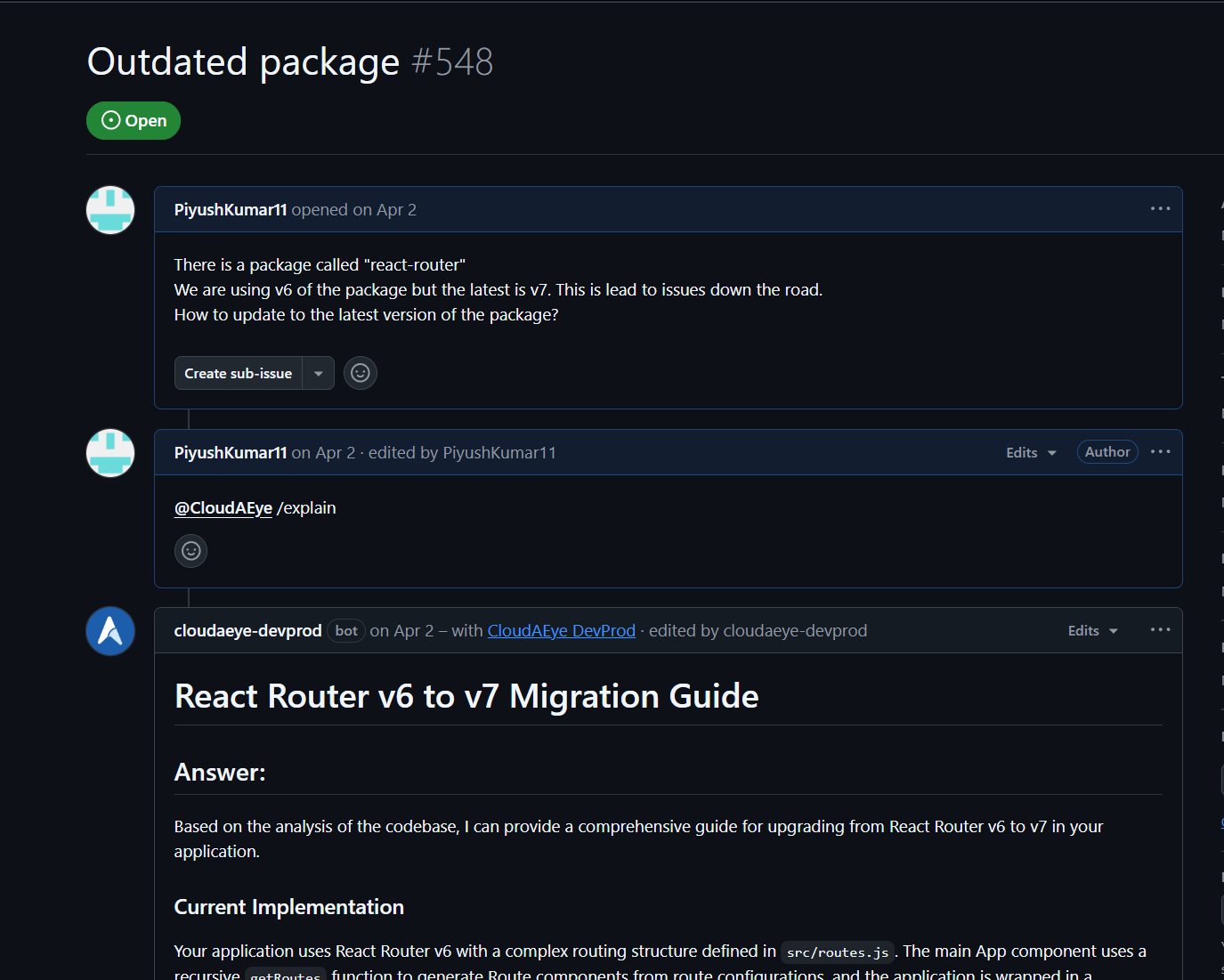
CloudAEye will reply with a detailed explanation and implementation steps.
Example from GitLab environment.