Unit Tests Settings
Overview
CloudAEye helps generate thorough tests for your code, covering edge cases, maximizing code coverage, and including negative test scenarios. This page explains how to configure the unit test framework settings.
Prerequisites
Setup Code Review
Setup Code Review by following the Getting Started guide.
Setup VS Code Extension
Setup the VS Code Extension.
Unit Test Framework Configuration Settings
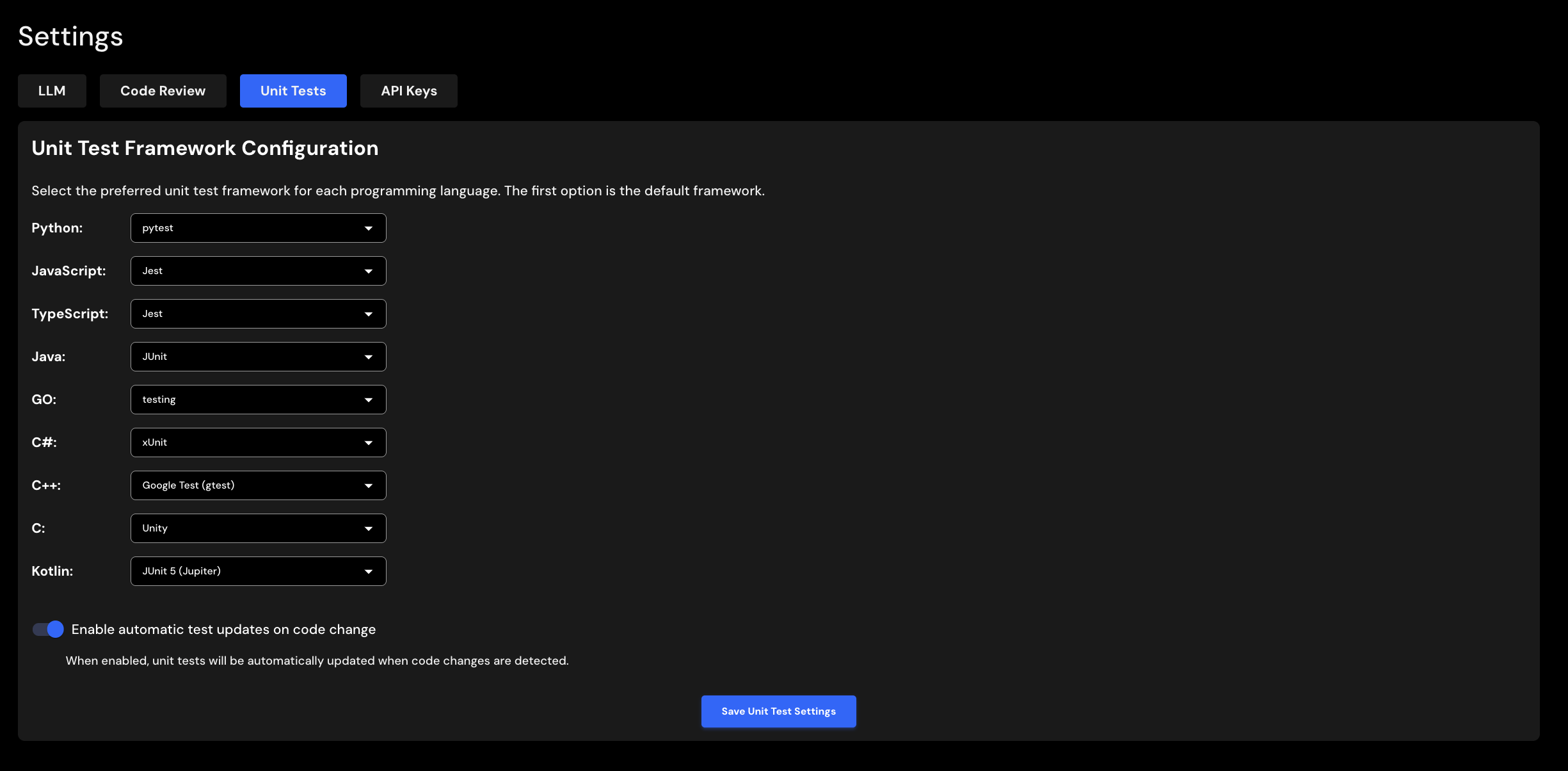
CloudAEye supports a wide range of programming languages and unit test frameworks. You can configure your preferred test framework for each programming language in your code. CloudAEye will use these settings when generating unit tests.
For each programming language, select the desired test framework and click Save Unit Test Settings.
Unit Test Framework per GitHub Repository
CloudAEye automatically detects the programming languages and test frameworks used in your existing tests. You can customize these on the GitHub Repositories page under the Unit Test Settings column. These repository-specific settings will override your global preferences above.
Automatic Test Updates on Code Change
When enabled, unit tests will be automatically updated whenever code changes are detected.