Learning
This guide shows how CloudAEye adapts to your team by learning from real code reviews and developer feedback.
Overview
CloudAEye can learn from team comments on PRs and automatically creates rules from the pattern analysis.
Prerequisites
Step 1: Register
Sign up with CloudAEye SaaS.
Step 2: Setup Code Review
Setup Code Review by following the Getting Started guide.
Creating Rules - Learning from Previous PRs
From the Rules page, click Learn From PRs. You’ll be taken to a page where you can choose which past pull requests CloudAEye should learn from.
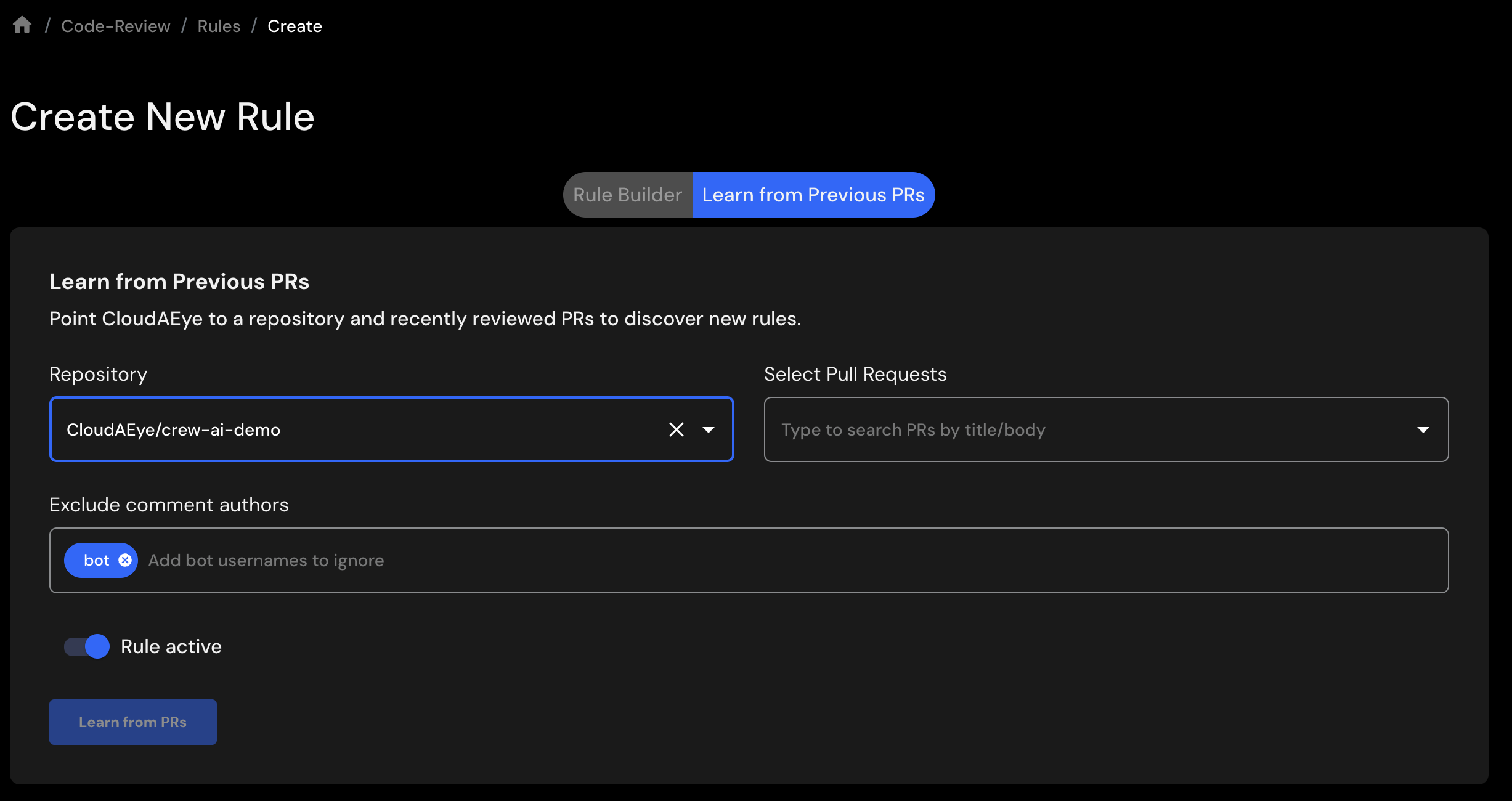
- ** Repository: ** Select a repository from the drop-down.
- ** Pull Request: ** Choose one or more pull requests you want CloudAEye to learn from.
- ** Exclude Comments: ** Select any authors whose comments you want to exclude from the learning process.
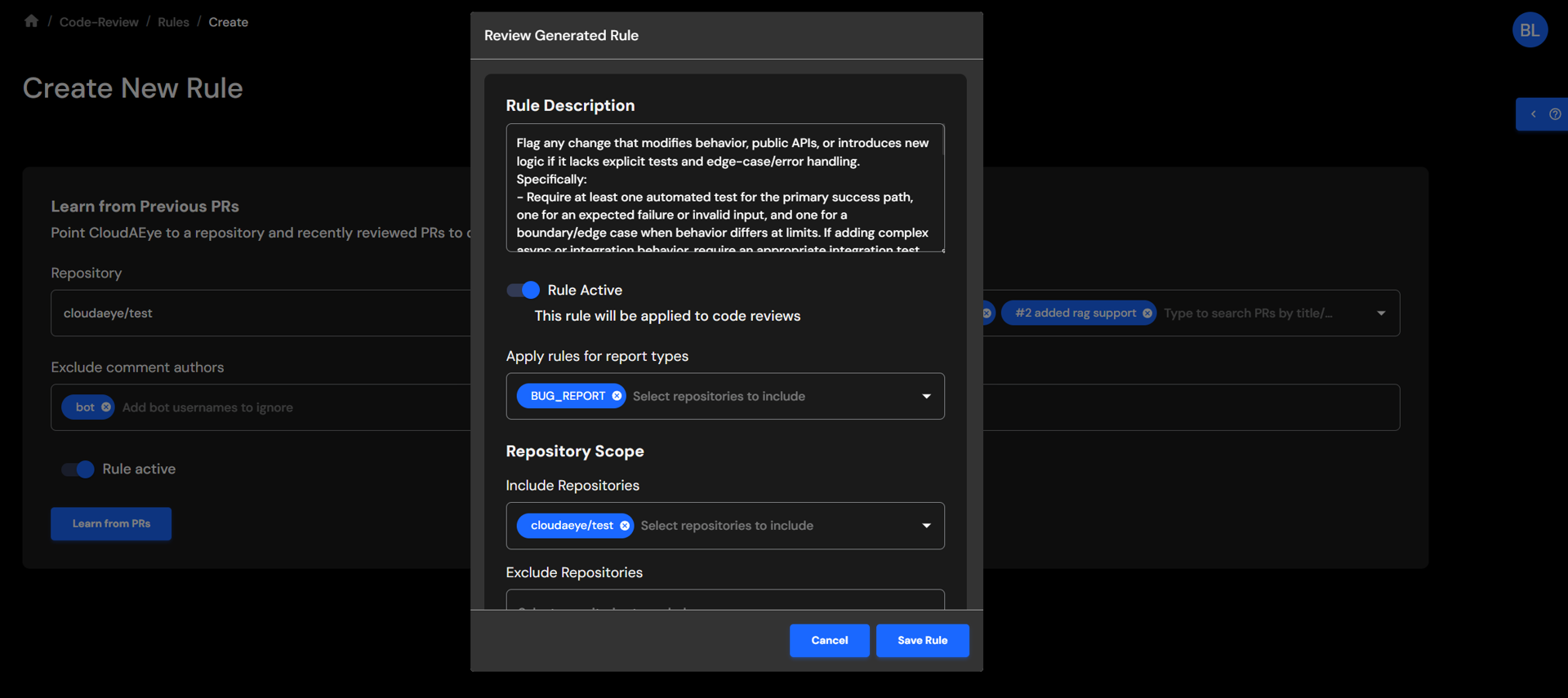
When you’re ready, click Learn From PRs to begin. CloudAEye will generate a new rule based on the selected pull requests. Review the rule and save it to activate it.
The following example illustrates a rule generated by CloudAEye for a project hosted in a GitLab environment.