Automated PR Review
Use this guide to learn how to configure CloudAEye so that code reviews begin automatically whenever a pull request is opened.
Overview
CloudAEye initiates a code review of a PR when a user comments @cloudaeye /review on the PR. You can configure CloudAEye to review every new PR when it is first opened.
Prerequisites
Step 1: Register
Sign up with CloudAEye SaaS.
Step 2: Setup Code Review
Setup Code Review by following the Getting Started guide.
Enabling Automated PR Review
You may configure this from the repositories list page.
On GitHub, go to Integrations page from the left-navigation of Code Review. Click on Repos button under GitHub. You will go to GitHub Repositories page.
Click on the link under Auto Reivew column for the repository you want to configure. A new page will appear.
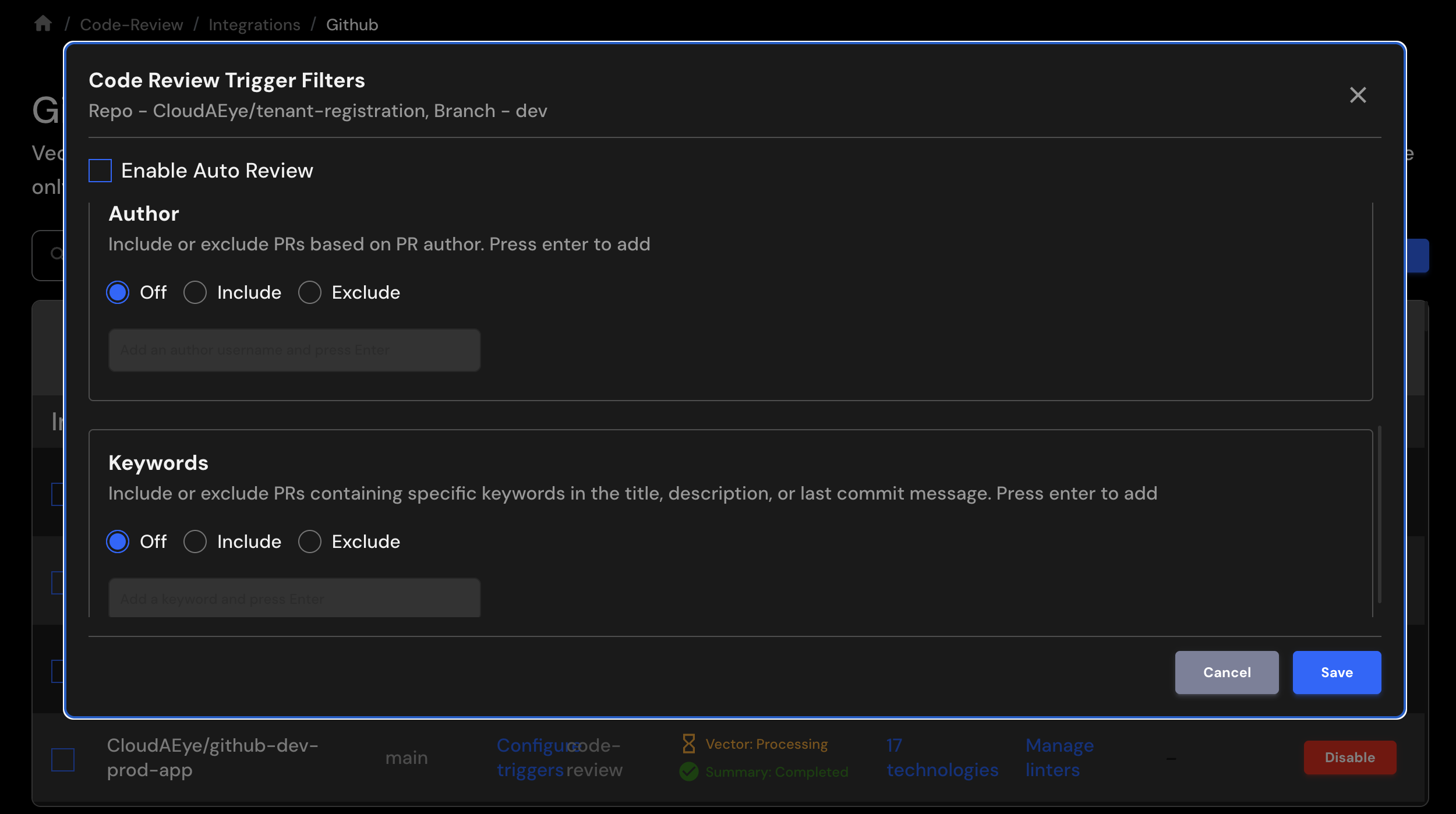
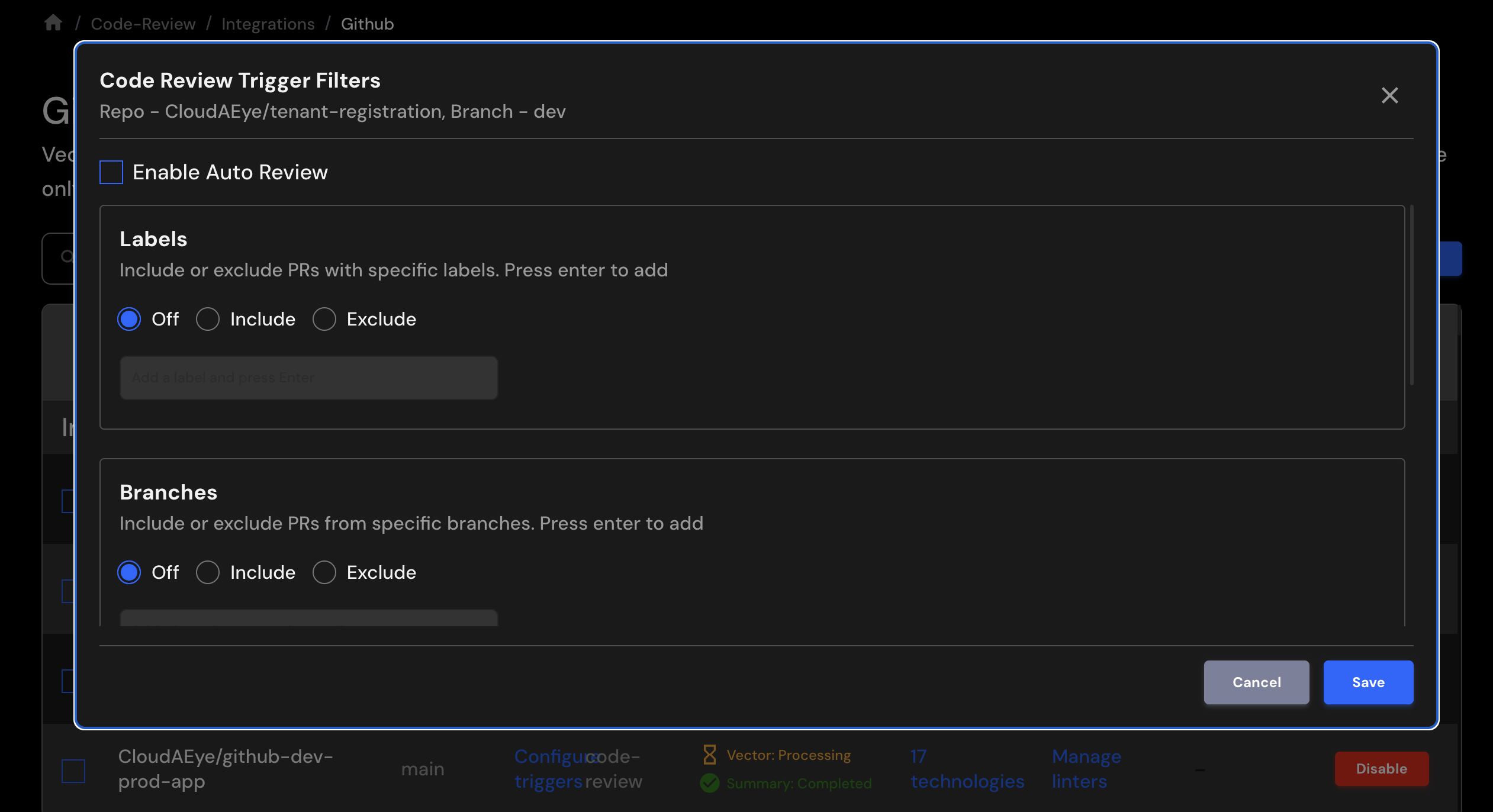
Click on Enable Auto Review checkbox. You may add filters (see below) to narrow down the pull requests.
Click `Save' to save your changes.
Filters
You can configure CloudAEye to only review PRs that match certain filters.
| Filter | Description |
|---|---|
| Labels | Filter by pull request labels |
| Branches | Filter by source branches |
| Author | Filter by pull request author |
| Keywords | Filter by keywords in the title, description, or most recent commit message |